
Pushing Salesforce translations without a review process is a production risk. Here's how to set up and manage approvals in SimpleTranslate.
Assigning Approvers
Navigate to Organization Credentials.
Select a language.
Add the users you want to assign as approvers for that language.
Assigned approvers are the only users who can approve translations for their language.
Submitting a Job for Approval
Open Metadata Translator Jobs in the navigation bar.
Select the job and click Submit Approval.
Each approver receives an email with a direct link to the job. Once all assigned languages are approved, the job moves to Approved status automatically. If no approvers are configured, this step is skipped.
The Approval Page
Open the Approval section from the navigation bar to see all jobs awaiting approval. Assigned approvers can review and approve translations directly from here.

Notifications
Approval submitted → assigned approvers are notified by email.
Job approved → the job creator receives a confirmation.
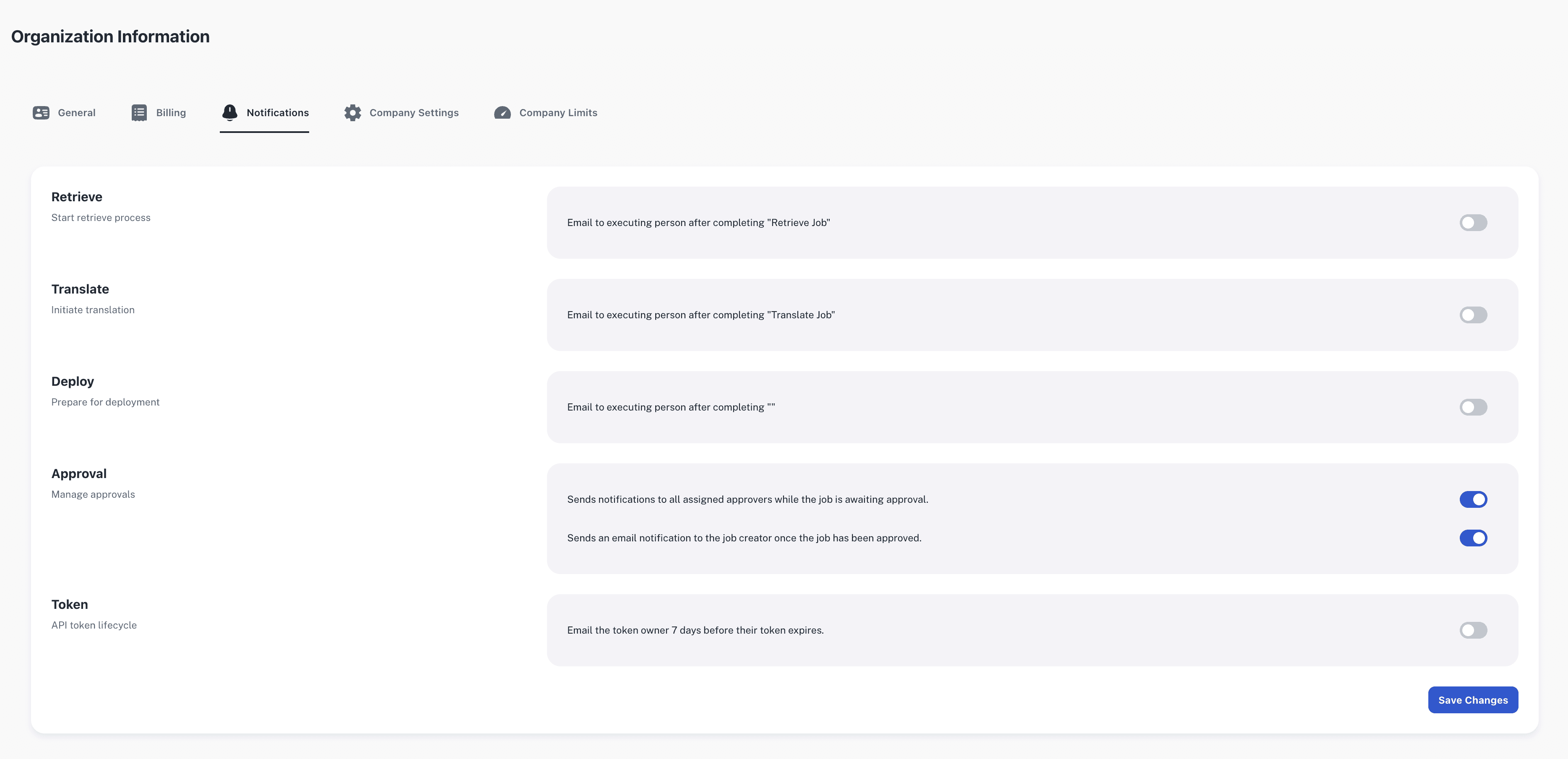
To configure notifications, see the Notifications setup in the app.
For technical implementation details and configuration options, visit our SimpleT Documentation.
Published:
7/14/2026
Back to the Articles List