
Simplet's Prompt Builder lets business users create, test, and deploy AI prompts connected to live Salesforce data. No developers needed.
You Shouldn't Need a Developer to Build AI Workflows
Sales managers. Customer service leads. Operations teams. The people who know exactly what they need from AI and have to wait in an IT queue to get it.
Simplet's Prompt Builder changes that. It's a no-code editor that lets you build AI prompts connected directly to your live Salesforce data, test them instantly, and deploy them without touching a single line of code.
Here's what it actually does.
It Works Like a Visual Editor, Not a Developer Tool
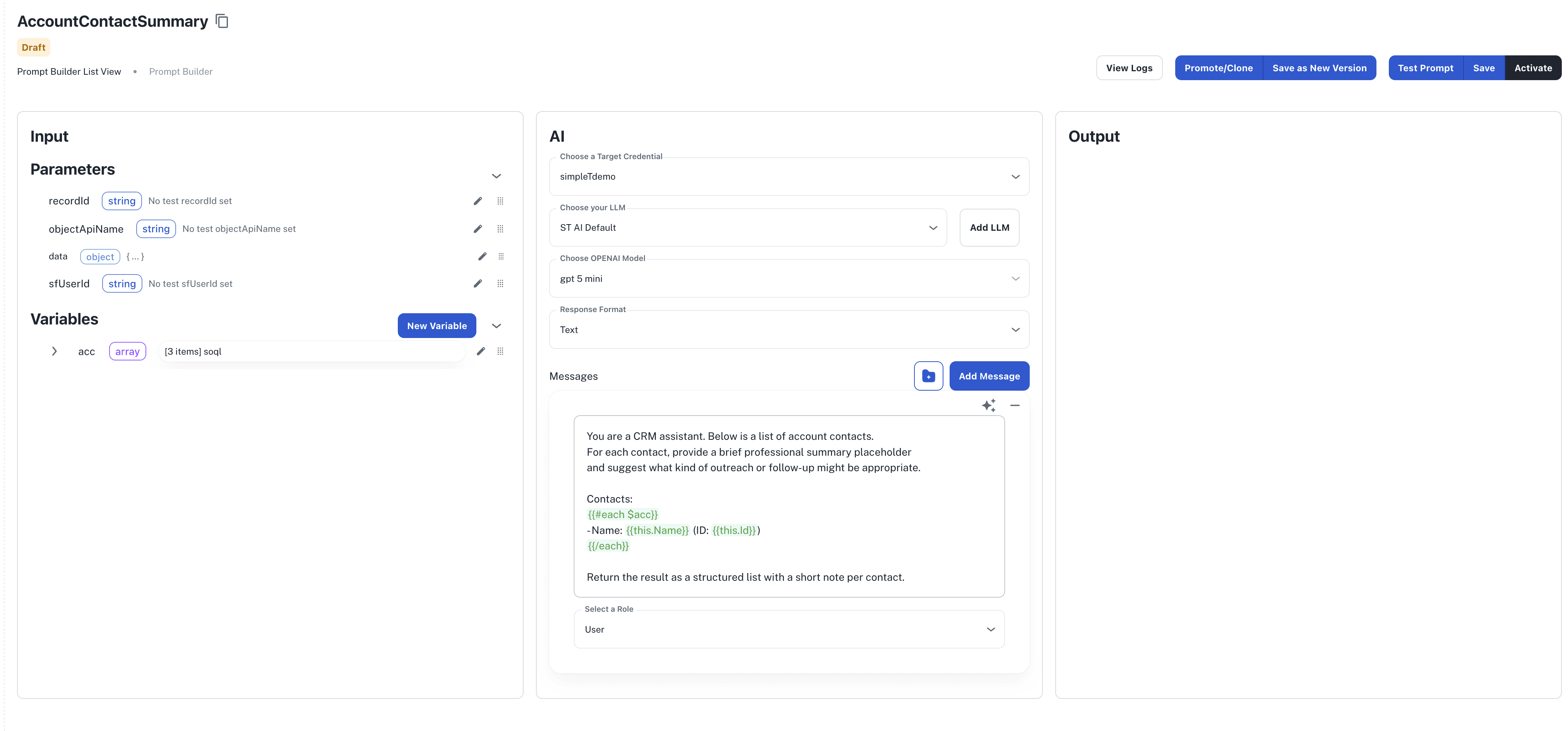
The workspace is three panels. Left side is your data and variables. Center is where you write your messages and pick your AI model. Right side shows the output the moment you test.
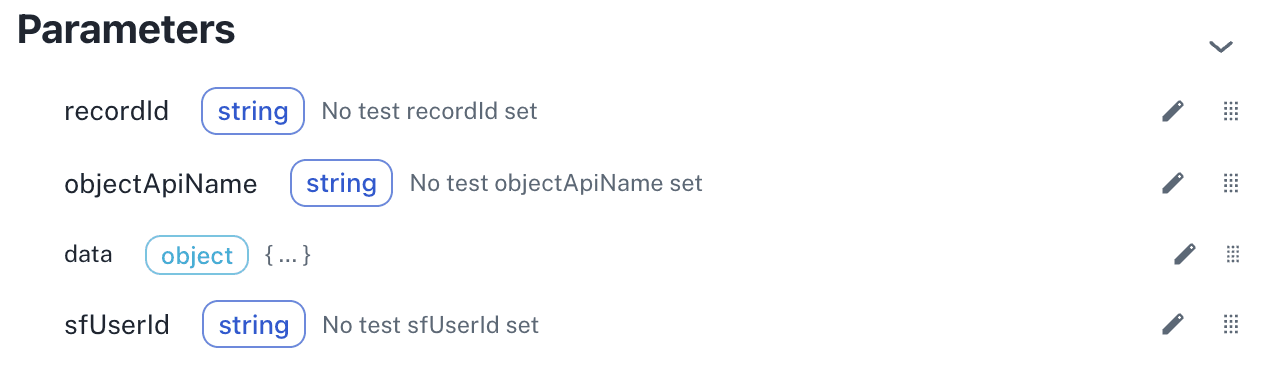
You drag live Salesforce data — account info, case records, contact details — directly into your prompt. No copy-pasting field names, no syntax to memorize. The variable {{$data}} gives you the full record. {{$recordId}} gives you what's open on screen. You drop them in and they just work.
The Data Is Always Live, Never Stale
This is the part that matters most.
You are not uploading a CSV or pasting data manually. You write a SOQL query, and every time the prompt runs it pulls fresh data straight from Salesforce. Open cases, recent activity, pipeline values, whatever you need, pulled at the moment it is needed.
The editor has a Test Query button that runs your query live and shows the results inline. If the query has problems, a built-in AI button fixes it for you.
You See Exactly What You Are Getting Before You Ship Anything
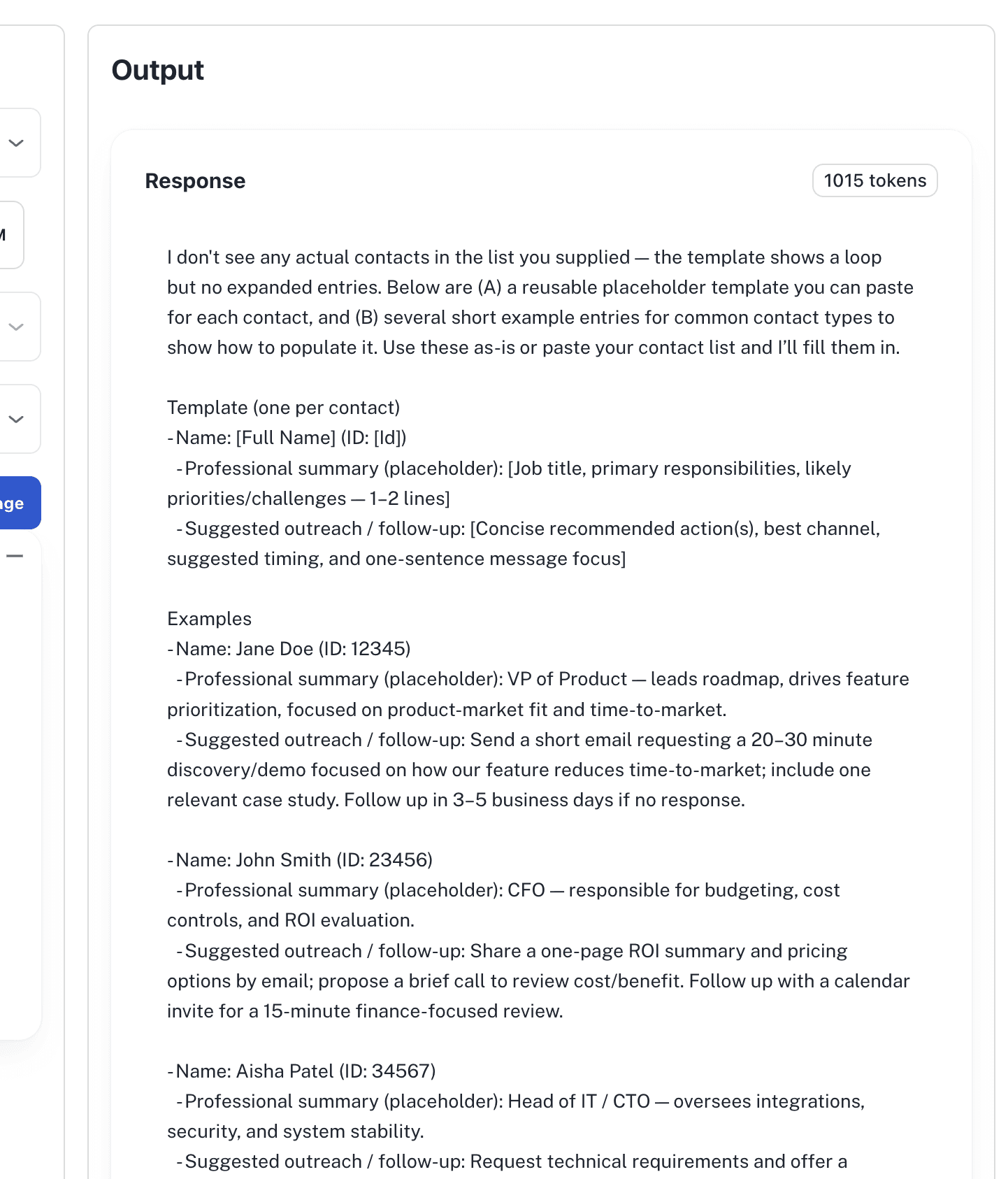
Hit Test Prompt. The system does four things:
Resolves every variable
Runs all your data queries against Salesforce
Sends the assembled prompt to your chosen AI model
Shows the full output in the right panel, including token count so you can manage costs
Real data, real model, real output. What you see in testing is what runs in production.
You Are Not Locked Into One AI Model
Prompt Builder connects to OpenAI, Anthropic, Google Gemini, and AWS Bedrock. You pick the engine and model per prompt. A prompt writing personalized emails might use a different model than one doing structured data extraction. That is your call to make, not a platform default.
When you need structured output, a JSON object your other tools can actually consume, you define a schema and the AI returns data that matches it exactly. There is even a button that reads your Salesforce object fields and generates the schema for you automatically.
Nothing Goes to Production by Accident
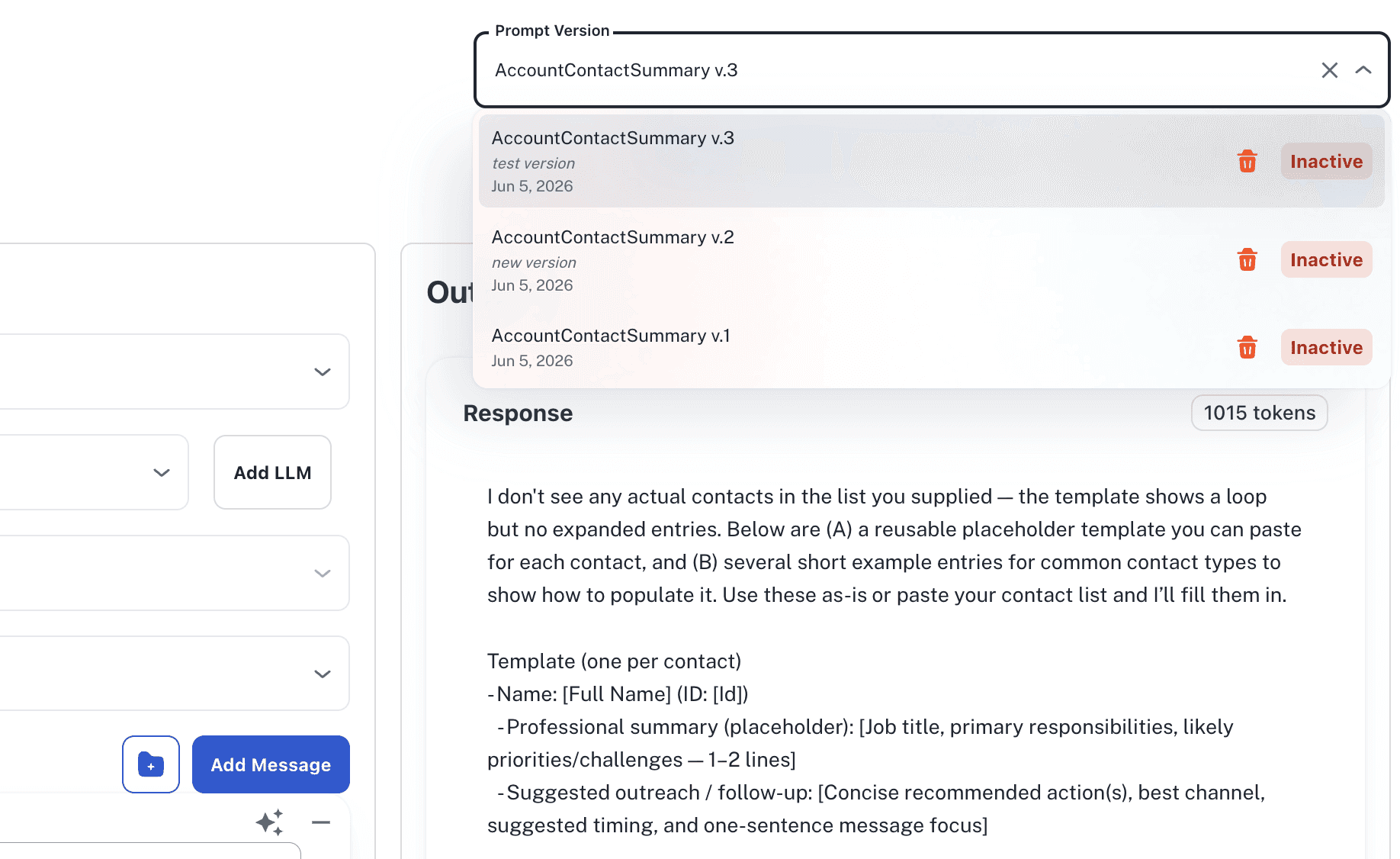
Every prompt has version history, up to 30 snapshots, each one a complete save of your messages, variables, model config, and schema.
Activating a version pushes it live. Deactivating pulls it back to draft. Rolling back takes seconds. When a prompt is ready for another environment, one click promotes it there with credential mapping handled separately so sandbox settings do not follow it into production.
Who Is This Actually For
If you work in Salesforce every day and you have ever thought "I wish I could just ask AI about this record right now," this is for you.
Customer service teams use it to surface resolution suggestions before an agent opens a case. Sales teams use it to generate account briefings before a call. Operations leads use it to auto-produce weekly reports from live pipeline data.
The common thread is that the people who understand the problem are now the ones building the solution. No ticket, no waiting, no translation layer between what you need and what gets built.
For technical implementation details and configuration options, visit our SimpleT Documentation.
Published:
7/28/2024
Back to the Articles List